Things to Do
The Things to Do feature in the EmpowerID Chatbot gives you fast, guided access to self-service workflows and access requests directly from chat. You can request access to groups, management roles, or run workflows you're authorized for—all from a centralized, simple interface.
tip
Supported Commands: Try phrases like self service bot or things to do to get started. For a full list of supported commands, see Chatbot Commands.
How to Use Things to Do
- Type help in the Chatbot to bring up the options menu.
- Click the Things to Do button.
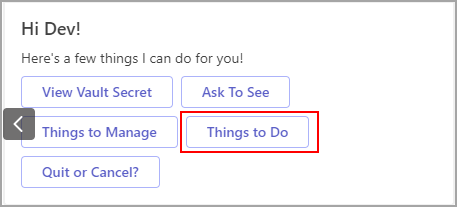
- Choose what you want to do next:
- Click Request Access to request access to resources you don’t already have.
- Click Self-Service to run workflows for actions you're authorized to perform.

If You Choose "Request Access"
You’ll be asked what type of access you want to request:
- Group
- Management Roles & Definitions
- Click the Group button.
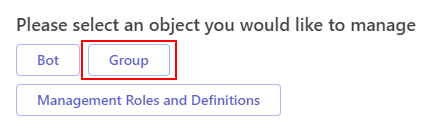
- View a list of pre-approved groups you can join.
- Select the group you need and submit your request.
- Click the Management Roles and Definitions button.
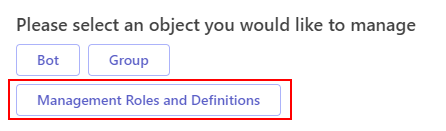
- Browse a list of pre-approved roles.
- Select the role you'd like to activate.
If You Choose "Self-Service"
The bot will show you a list of authorized workflows available to your account.
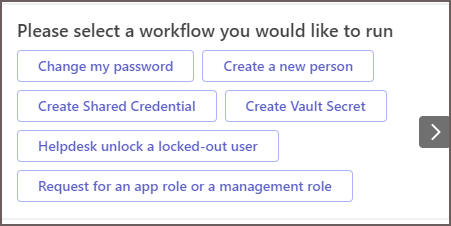
Simply click on any listed workflow to run it instantly—no IT ticket required.